
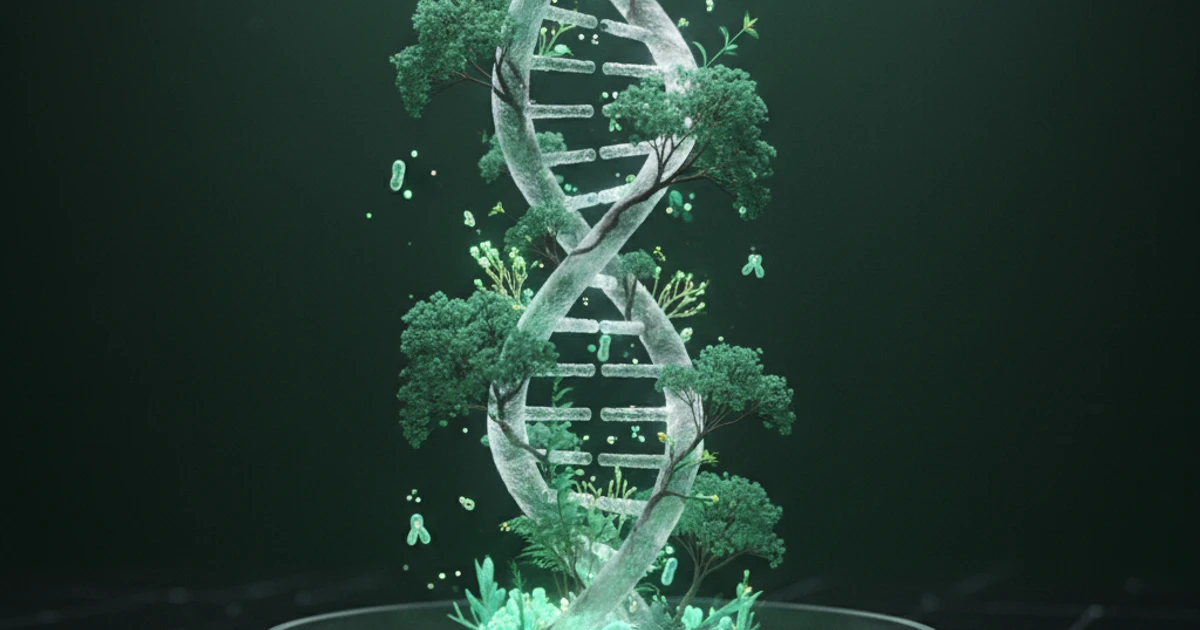
From DNA to Ecology: The AI Tool for Biology Students
Biology covers vast topics from molecular genetics to ecosystems. Discover how AI screen assistants help biology students study smarter and master complex concepts.
Try ScreenHelp Free
Get AI-powered screen assistance for any task. Analyze screenshots and get instant guidance.
Get StartedBiology is one of the most content-heavy sciences you'll encounter in school or university. From memorizing the stages of mitosis to understanding trophic cascades in ecosystems, the sheer volume of information can feel overwhelming. That's where modern AI tools are changing how students study, review, and truly understand biological concepts.
In this article, we'll explore the major challenges biology students face, practical study strategies, and how AI-powered screen assistants can become a genuine part of your learning toolkit.
Why Biology Is Uniquely Challenging
Unlike subjects that rely on a single mode of thinking, biology demands a blend of:
- Memorization — taxonomic classifications, amino acid structures, enzyme names
- Visual interpretation — reading diagrams of cell structures, phylogenetic trees, gel electrophoresis results
- Conceptual reasoning — understanding gene expression, natural selection, feedback loops
- Quantitative analysis — Hardy-Weinberg equations, population growth models, Punnett squares
This combination means that a study strategy that works for one topic (like flashcards for vocabulary) falls flat for another (like interpreting a diagram of the Calvin cycle). Students need versatile tools.
The Core Biology Topics That Trip Students Up
1. Molecular Biology and Genetics
DNA replication, transcription, translation — these processes involve multiple enzymes, directional reading, and abstract molecular interactions. Students often struggle to differentiate between processes that sound similar (mRNA processing vs. translation, for example) or to predict outcomes of mutations.
Study tip: Don't just read about these processes. Try to explain each step out loud or sketch the process from memory. If you get stuck on a diagram in your textbook, having an AI that can see your screen and explain what you're looking at can fill in the gaps faster than hunting through chapters.
2. Cell Biology
The internal workings of cells — organelle functions, membrane transport, cellular respiration, and photosynthesis — require you to understand interconnected systems. A question about why cyanide is lethal, for instance, requires knowledge of the electron transport chain, ATP synthesis, and cellular energy dependence.
Study tip: Build concept maps connecting organelles to their functions and to the metabolic pathways they participate in. When reviewing diagrams of processes like the Krebs cycle, make sure you can explain why each step matters, not just what happens.
3. Evolution and Ecology
These topics are more conceptual but involve their own pitfalls. Students frequently confuse genetic drift with natural selection, misapply Hardy-Weinberg equilibrium, or struggle with energy pyramids and biogeochemical cycles.
Study tip: Practice applying concepts to novel scenarios. Evolution and ecology questions on exams often present unfamiliar organisms or ecosystems and ask you to reason through them. The more you practice with varied examples, the more flexible your understanding becomes.
4. Anatomy and Physiology
Whether it's human organ systems, plant vascular tissue, or comparative vertebrate anatomy, this area is packed with spatial and structural information. Diagrams are everywhere, and you're expected to label, interpret, and connect structure to function.
Study tip: Use active recall with unlabeled diagrams. Cover the labels, try to identify every structure, then check yourself.
How AI Screen Assistants Fit Into Biology Study Sessions
Traditional study tools have clear limitations. Flashcard apps are great for terminology but useless for interpreting a complex figure. Search engines can help, but crafting the right query for a specific diagram or practice problem takes time and often returns irrelevant results.
This is where an AI screen assistant like ScreenHelp becomes genuinely useful. Here's how it works in practice:
Instant Diagram Explanations
You're reviewing a textbook diagram of the nephron and can't remember what happens in the loop of Henle. Instead of searching "nephron loop of Henle function" and sifting through results, you simply share your screen with ScreenHelp, trigger a capture, and the AI analyzes exactly what's on your screen. It sees the diagram, understands the context, and explains the specific part you're stuck on.
This works because ScreenHelp uses AI vision capabilities — it doesn't just process text, it interprets images, diagrams, charts, and visual data directly from your screen.
Working Through Practice Problems
Biology courses love to test with scenarios: a pedigree chart you need to analyze, a graph of population growth you need to interpret, or a gel electrophoresis result you need to read. With ScreenHelp, you can capture the problem on your screen and get a detailed walkthrough of how to approach it. This is particularly powerful for genetics problems involving Punnett squares, dihybrid crosses, or chi-square analysis.
Custom Prompts for Targeted Studying
One of ScreenHelp's most practical features for studying is the ability to set up custom predefined prompts. As a biology student, you might create prompts like:
- "Explain this biological diagram step by step"
- "What concept is being tested in this question, and how should I approach it?"
- "Identify any errors in my reasoning about this problem"
- "Explain this process at an introductory college biology level"
These prompts save time and ensure the AI responds in the way that's most useful for your study sessions.
Mobile-Friendly Responses
ScreenHelp also lets you scan a QR code so that responses stream directly to your phone. This is convenient when you're studying at a desk with your laptop but prefer to read explanations on your mobile device — or when you want to keep your main screen focused on the material while reviewing the AI's explanation on your phone.
Practical Study Strategies Enhanced by AI
Here are some specific study workflows where AI screen assistance adds real value:
The Feynman Technique, Upgraded
The Feynman Technique involves explaining a concept in simple terms and identifying gaps in your understanding. With an AI screen assistant, you can:
- Open your notes or textbook on a topic (say, the light-dependent reactions of photosynthesis)
- Try to explain it in your own words
- When you hit a gap, capture your screen and ask the AI to clarify that specific step
- Fill in the gap and continue
This keeps you in an active learning mode while providing immediate support when you need it.
Timed Practice Exam Review
After completing a practice exam, review each question you found difficult. Capture the question and your answer on screen, and ask the AI to explain whether your reasoning was correct and why the right answer is right. This post-exam review is one of the most effective study techniques, and AI makes it far more efficient.
Cross-Topic Connections
Biology rewards students who can connect concepts across topics. Ask the AI to explain how a cellular respiration diagram relates to ecosystem energy flow, or how a genetics problem connects to evolutionary fitness. These connections are often what separate good exam performance from great exam performance.
Choosing the Right AI Model for Biology
ScreenHelp allows you to select different AI models and adjust reasoning effort. For biology specifically:
- Higher reasoning effort is valuable for multi-step genetics problems, ecological modeling questions, or biochemistry pathways where logical connections matter
- Standard reasoning works well for straightforward identification tasks, labeling diagrams, or explaining definitions
Experimenting with these settings helps you get the most useful responses for different types of biology content.
Biology Certification and Standardized Test Prep
Beyond coursework, many students prepare for standardized tests and certifications that include biology:
- AP Biology
- SAT Subject Test (Biology)
- MCAT Biological Sciences
- GRE Biology Subject Test
- Nursing and pre-med prerequisite exams
These exams emphasize application over pure memorization. They present novel scenarios and expect you to apply biological principles. An AI screen assistant is especially useful here because these practice materials are full of complex figures, data tables, and experimental designs that benefit from visual AI analysis.
Getting Started
If you're a biology student looking for a smarter way to study, ScreenHelp offers a free tier so you can try it without commitment. The setup takes under a minute — sign up, click "Start ScreenHelp," share your screen, and start capturing the material you want help with. The browser extension adds keyboard shortcuts that make triggering captures even faster, which is particularly useful when you're deep in a study session and don't want to break focus.
Biology doesn't have to feel like an impossible mountain of information. With the right study strategies and an AI tool that can actually see and interpret what you're working on, you can build deeper understanding — from the molecular level all the way up to ecosystems.
Start Using AI Screen Assistance Today
Join thousands of users who are already working smarter with ScreenHelp.
Related Articles
Cell Biology Explained: Analyze Diagrams on Your Screen with AI
Struggling with complex cell biology diagrams? Learn key structures, functions, and how AI screen assistants can help you study organelles and processes faster.
Read article
Visualizing Timelines: AI Help for History Exams
Struggling to keep historical events straight? Learn proven timeline visualization techniques and discover how AI screen assistants can help you study smarter.
Read article
The Secret Weapon for Passing Insurance Licensing Tests in 2025
Struggling with insurance licensing exam prep? Discover proven study strategies and AI-powered tools that help you master complex insurance concepts faster.
Read article