
Visualizing Timelines: AI Help for History Exams
Struggling to keep historical events straight? Learn proven timeline visualization techniques and discover how AI screen assistants can help you study smarter.
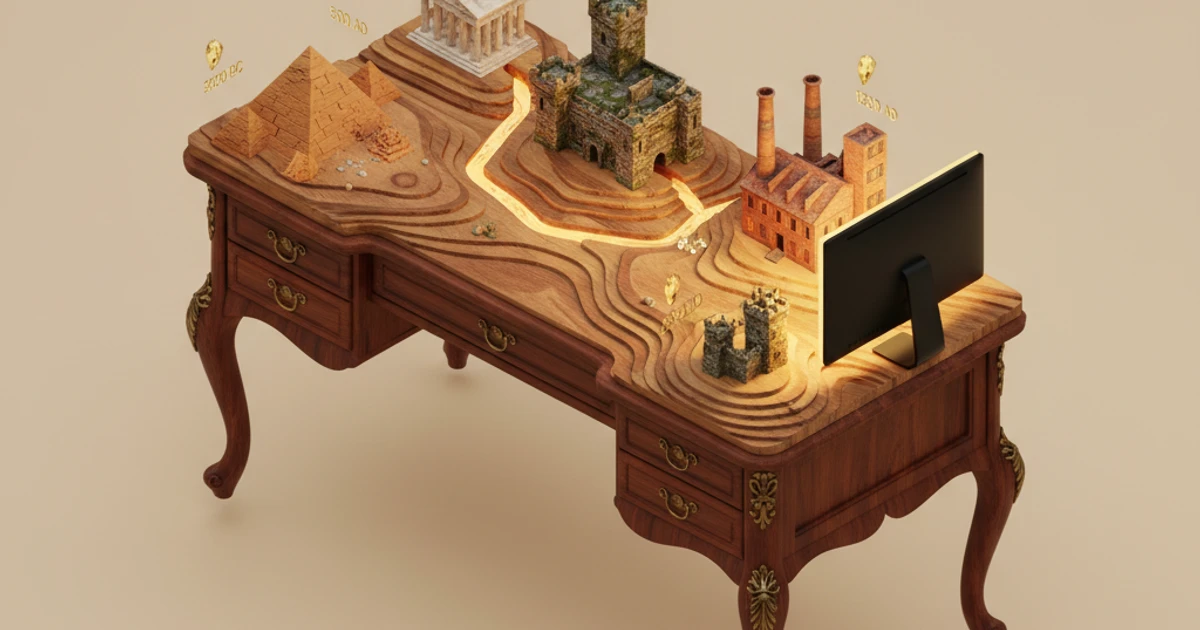
Try ScreenHelp Free
Get AI-powered screen assistance for any task. Analyze screenshots and get instant guidance.
Get StartedHistory exams demand more than rote memorization. You need to understand how events connect across decades and centuries, recognize cause-and-effect chains, and place developments in their proper context. That's where timeline visualization comes in — and where modern AI tools can give you a serious study advantage.
Why Timelines Matter in History
Historical understanding is fundamentally about relationships between events. A date on its own is trivia; a date in context is knowledge. When you can visualize that the French Revolution (1789) happened just thirteen years after the American Declaration of Independence (1776) and during the early stages of the Industrial Revolution, those isolated facts become a coherent narrative about an age of transformation.
History exams — whether you're preparing for AP History, university midterms, or professional certification tests — increasingly test this kind of contextual understanding rather than simple recall.
Proven Timeline Visualization Techniques
1. The Linear Timeline
The classic approach. Draw a horizontal line, mark your start and end dates, and plot events along it proportionally. This works best for a single thread of history — say, the key events of World War II or the civil rights movement.
Pro tip: Use color coding to distinguish between political, social, economic, and cultural events on the same timeline.
2. Parallel Timelines
Place two or more timelines vertically aligned so you can see what was happening simultaneously in different regions or domains. This is incredibly powerful for world history courses where you need to compare, for example, developments in Europe, Asia, and the Americas during the same century.
3. Thematic Clustering
Instead of strict chronology, group events around themes — "causes of WWI," "effects of industrialization," "key Enlightenment ideas" — and then arrange those clusters chronologically. This bridges the gap between topical understanding and temporal awareness.
4. The Mind Map–Timeline Hybrid
Start with a central event or period, then branch outward with causes leading into it and consequences flowing out. Each branch gets its own mini-timeline. This technique is especially useful for essay-based exams where you need to construct arguments about historical causation.
Common Challenges Students Face
Even with good techniques, history study has some persistent pain points:
- Confusing similar events across different periods (there were how many French republics?)
- Losing track of simultaneous developments across regions
- Struggling to connect textbook material to primary sources
- Understanding complex political maps that shift across eras
- Interpreting charts, graphs, and data tables that appear in modern history exams
These challenges are particularly acute during timed practice exams, where you can't spend ten minutes on each question sorting through your mental timeline.
How AI Can Assist Your History Study Sessions
This is where AI tools with screen analysis capabilities become genuinely useful. Rather than switching between your study materials and a separate AI chatbot — retyping questions or trying to describe a complex map — an AI screen assistant can see exactly what you're looking at and respond in context.
Explaining What's on Your Screen
Imagine you're reviewing a practice exam and you encounter a question featuring an unfamiliar political cartoon from the Gilded Age, or a map showing shifting borders in post-colonial Africa. With a tool like ScreenHelp, you can capture your screen and get an immediate, detailed explanation of what you're seeing — the symbolism in the cartoon, the historical context behind those borders, or the significance of a particular treaty.
Because the AI actually sees your screen, you don't have to spend time describing the image or typing out a long question. You share your screen, trigger a capture, and get a streamed response explaining the material.
Breaking Down Complex Questions
History exam questions are often multi-layered. A single AP History DBQ (Document-Based Question) might present several primary sources and ask you to synthesize them into a coherent argument. An AI that can see the documents on your screen can help you:
- Identify the historical context of each source
- Spot connections between documents you might have missed
- Suggest a thesis structure based on the evidence presented
- Clarify unfamiliar vocabulary or references in older texts
Making Sense of Data Visualizations
Modern history exams love charts. Population graphs, trade flow diagrams, election result maps — they test whether you can extract historical meaning from data. An on-screen AI assistant can analyze these visuals alongside you, explaining what trends the data reveals and how they connect to broader historical developments.
Setting Up an Effective AI Study Workflow
If you decide to incorporate AI screen assistance into your history study sessions, here's a workflow that maximizes the learning benefit:
-
Start with active study first. Attempt practice questions on your own before reaching for AI help. The struggle of retrieval is where learning happens.
-
Use AI to check and deepen understanding. After you've formulated your own answer, use ScreenHelp to capture the question and compare your reasoning with the AI's analysis.
-
Set up custom prompts for recurring needs. ScreenHelp lets you create predefined prompts — set one up for "Explain the historical context of what's on screen" or "Identify cause-and-effect relationships in this passage." This saves time and keeps your study sessions focused.
-
Review on mobile. ScreenHelp offers a QR code feature that streams responses to your phone. This can be handy if you want to study the AI's explanations away from your desk — on the bus, during a break, wherever you review notes.
-
Build your own timelines from the insights. Don't just read the AI's response and move on. Take what you learn and add it to your personal timeline visualizations. The act of placing new knowledge into your existing framework is what cements it.
Specific History Exam Scenarios Where Screen AI Shines
AP World History / AP US History
These exams are heavy on primary source analysis and contextualization. Being able to instantly get an explanation of an unfamiliar document while doing practice sets is invaluable for building the interpretive skills these tests reward.
University Survey Courses
Covering centuries of history in a single semester means you'll encounter material rapidly. When you hit a concept on a practice exam or lecture slide that doesn't click, capturing that screen and getting an immediate, contextual explanation keeps momentum going.
Professional Certifications
Teaching certifications (like the Praxis History exam) and other professional credentials test both content knowledge and pedagogical understanding of history. An AI screen assistant can help you work through practice tests efficiently and identify gaps in your knowledge.
GED / Standardized Tests
The social studies sections of standardized tests frequently include maps, political cartoons, and data tables. For test-takers who haven't been in a classroom recently, having an AI that can break down these visuals in plain language is a powerful study aid.
Tips for Maximizing Your History Exam Preparation
Whether or not you use AI tools, these strategies consistently help history students perform better:
- Practice with real exam formats. Familiarity with question types reduces anxiety and improves time management.
- Write practice essays under timed conditions. History exams reward structured argumentation, and that's a skill built through practice.
- Create connections across units. The best history students see the course as one story, not isolated chapters.
- Teach the material to someone else. If you can explain the causes of the Reformation clearly, you understand them.
- Use multiple source types. Textbooks, primary sources, documentaries, podcasts, and yes, AI explanations — variety reinforces understanding from different angles.
The Bottom Line
History exams test your ability to think across time, connect disparate events, and interpret complex sources. Timeline visualization gives your brain a framework for organizing all of that information, and AI screen assistants like ScreenHelp give you an on-demand study partner that can see exactly what you're working on and provide instant, contextual help.
The combination of strong study techniques and smart tool usage isn't about shortcuts — it's about studying more effectively so the history you learn actually sticks.
Start Using AI Screen Assistance Today
Join thousands of users who are already working smarter with ScreenHelp.
Related Articles

Analyze Poetry and Literature Themes Visually with AI Screen Assistance
Struggling with poetry analysis or literature themes? Learn how visual approaches and AI screen assistants can deepen your understanding of complex literary texts.
Read article
From DNA to Ecology: The AI Tool for Biology Students
Biology covers vast topics from molecular genetics to ecosystems. Discover how AI screen assistants help biology students study smarter and master complex concepts.
Read article
Translate and Understand Foreign Language Text on Screen Instantly
Struggling with foreign language text during studies? Learn how AI screen assistants can translate, explain grammar, and help you understand any language right on your screen.
Read article